Subject
Name the main person, object, creature, or product.
Free · no signup · runs in your browser
Build a clean shot plan for Veo 3.1, Kling, Wan, Runway, or any video model. Choose the subject, motion, camera, light, style, and sound.
Start with a useful example
Load a shot, then replace only what matters.
02 · Generated prompt
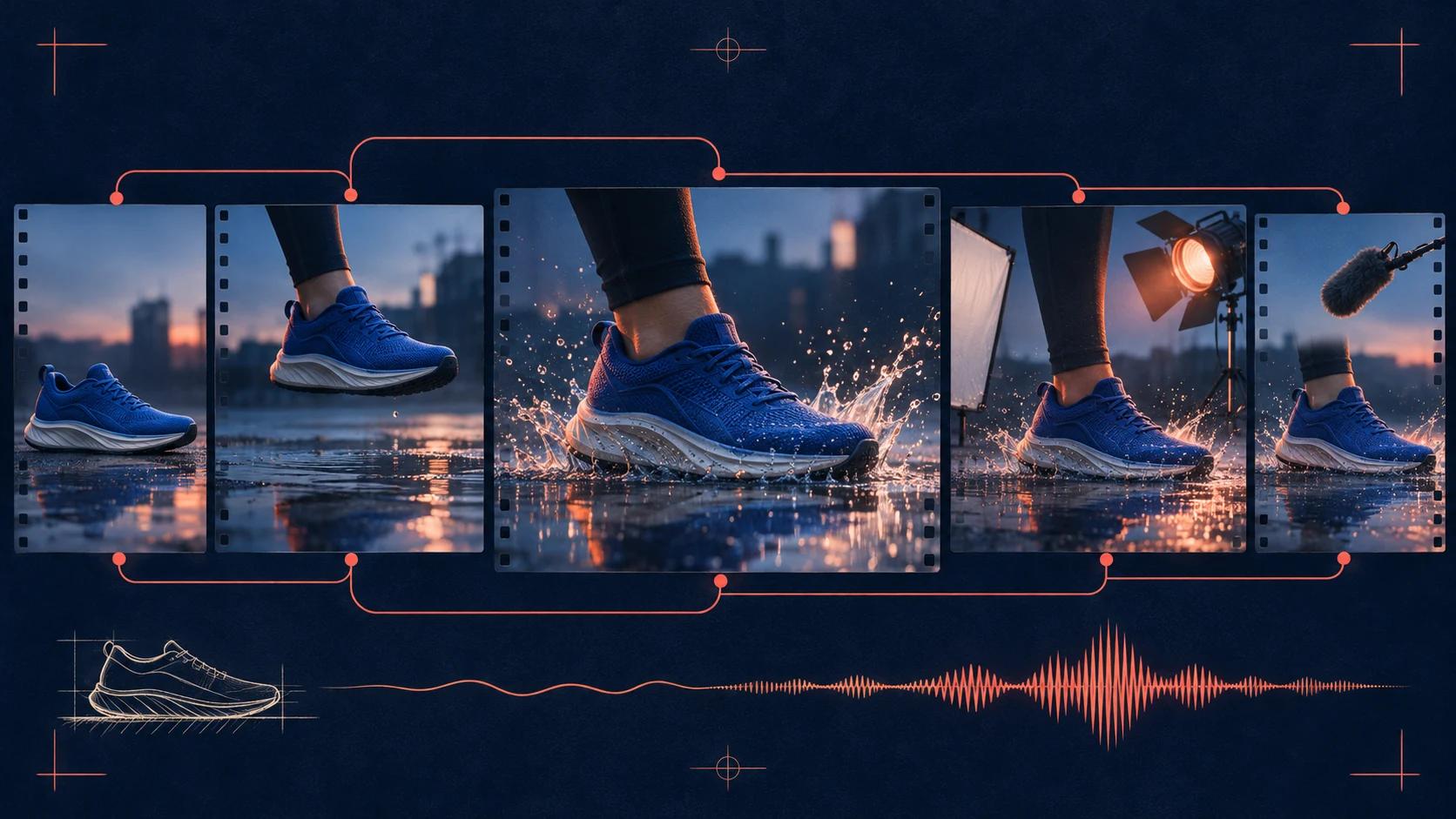
451 charactersSubject: A silver running shoe on rain-dark stone. Action: lands once; water splashes outward and settles. Environment: an empty city street before sunrise. Camera: Low tracking shot, 35mm lens, slow push forward. Lighting: Cold dawn light with a warm rim. Visual style: Premium sports commercial, realistic materials. Audio: One sharp footfall, water splash, distant city ambience. Avoid: On-screen text, warped logos, duplicate objects, sudden cuts.
The prompt is built on this page. Nothing is uploaded or sent to a model. Review it, copy it, then test one change at a time.
Prompt anatomy
Use only the parts that control the result. A short physical instruction is stronger than a pile of vague adjectives.
Name the main person, object, creature, or product.
Describe one visible movement that fits the clip length.
Choose framing, lens feel, movement, direction, and speed.
Set the time, contrast, color, material feel, and finish.
For audio models, direct dialogue, effects, and ambience.
Model notes
Picture plus native sound. Start with one scene, one main action, and one camera idea, then add detail only when it changes the shot.
Clear subject and camera motion. Start with one scene, one main action, and one camera idea, then add detail only when it changes the shot.
Rich visual and motion detail. Start with one scene, one main action, and one camera idea, then add detail only when it changes the shot.
Positive, motion-first wording. Start with one scene, one main action, and one camera idea, then add detail only when it changes the shot.
Prompt questions
An AI video prompt generator turns separate shot choices—subject, action, setting, camera, light, style, and sound—into one organized prompt that a video model can follow.
Read the full answer →Write the subject and action first, then add the scene, camera, composition, light, style, and audio. Keep dialogue and sound cues clear and easy to time.
Read the full answer →Use the image as the visual source and write mainly about what moves, how the camera moves, what changes in the scene, and how the clip should end.
Read the full answer →Describe physical movement, believable timing, a camera that could exist, motivated light, and small environmental reactions instead of asking only for realism.
Read the full answer →Yes. The Cre8vid prompt generator runs in the browser, needs no signup, and lets you build and copy prompts without paying for the prompt itself.
Read the full answer →