Wan editing and reference billing
Video input guide
Video-to-video API. Start with motion. Control the change.
A source clip can be the footage you edit, a reference that guides a new shot, or the start of a continuation. Pick that job first. Then match its input rules, prompt, and billing.
Async edit requestvideo → video
{
  "model": "wan2.7-videoedit",
  "input": {
    "prompt": "Keep the timing and camera path. Change the setting to a rain-soaked neon street.",
    "media": [
      { "type": "video", "url": "https://cdn.example.com/source.mp4" }
    ]
  },
  "parameters": {
    "resolution": "1080P",
    "prompt_extend": false,
    "watermark": false
  }
}
Three different jobs
Do not call every video input an edit.
Direct editing changes the source itself. Reference generation borrows selected facts from it. Continuation adds time after it. The API fields and cost rules change with the mode.
| Mode | Source role | What it can control | Example routes |
|---|---|---|---|
| Direct edit | The input clip is the footage being changed. | Style, subject details, clothing, setting, action, dialogue, or camera instructions. | Runway video_to_video; Wan 2.7 videoedit |
| Reference-to-video | The clip guides a new generation. | Subject motion, performance, camera path, pacing, or voice while a new scene is made. | Wan 2.7 r2v |
| Continuation | The clip supplies the story and ending frame so far. | More footage after the source while keeping its ratio, motion, and visual direction. | Wan 2.7 i2v continuation |
Source control
Protect the timing before you change the look.
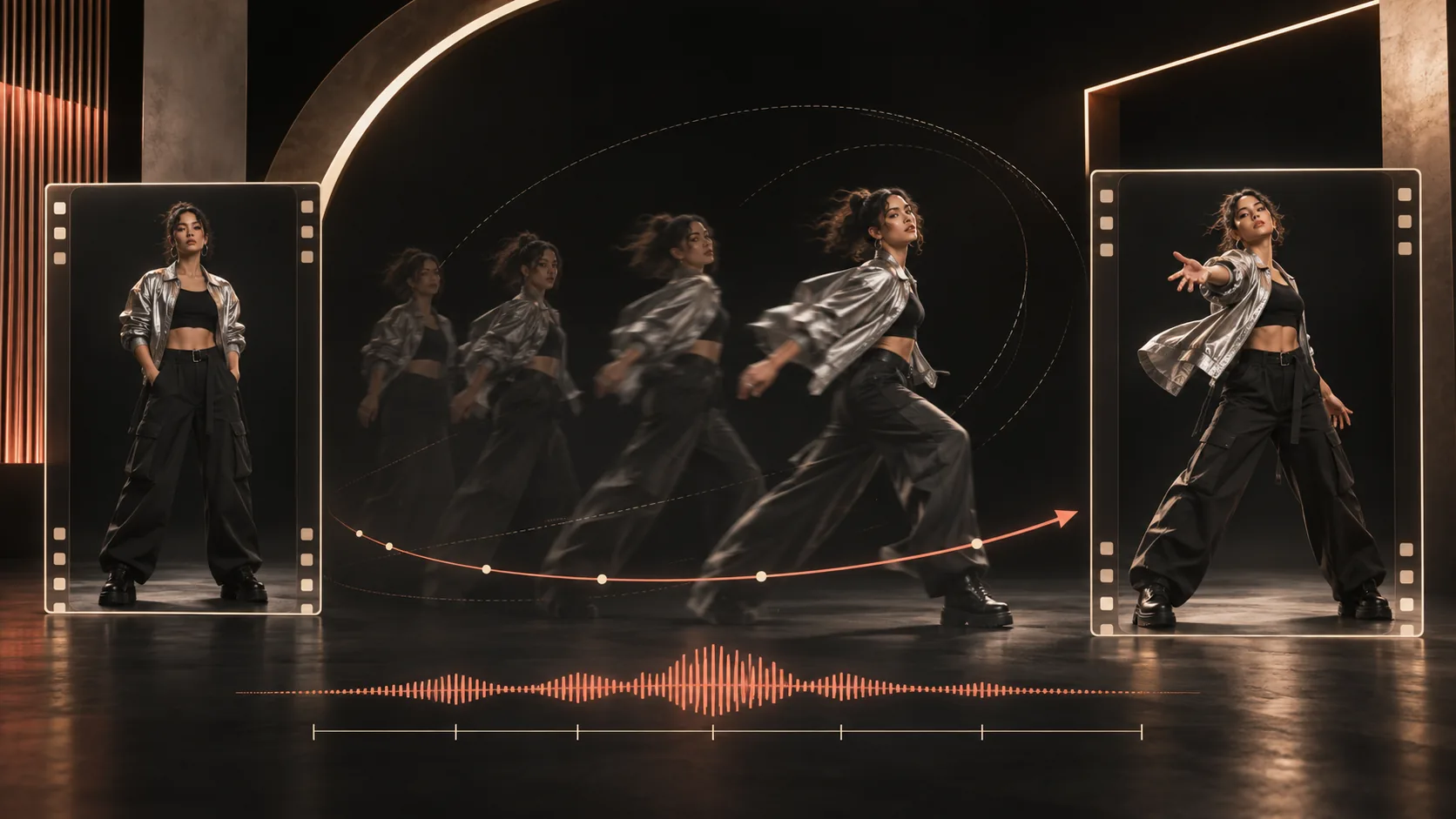
Use one short action with a clean start and end. Tell the model what the clip controls and what must remain unchanged.
Input rules
Validate before upload.
The same clip can pass one route and fail another. Check duration, resolution, frame rate, upload type, output limits, and billable input time before creating the task.
| Route | Media | Input duration | Input limits | Output | Billing |
|---|---|---|---|---|---|
| Runway Aleph 2 | One video | 2–30 seconds | Up to 1080p; 30 FPS or lower | Preserves input resolution up to 1080p | See the selected model rate |
| Wan 2.7 videoedit | Exactly one video; up to four reference images | 2–10 seconds | 240–4096 px; MP4 or MOV | 720P or 1080P; same duration unless truncated | Input seconds + output seconds |
Wan continuation billing
The duration field means the final combined clip.
A 3-second first clip with duration set to 15 creates 12 new seconds and bills 15 total seconds.
Five-step workflow
Keep the input, prompt, task, and result tied together.
- 01
Name the mode
Choose direct edit, reference-to-video, or continuation before selecting a model.
- 02
Trim the source
Keep one clear action, remove dead time, and meet the route's duration, size, and frame-rate rules.
- 03
Protect the constants
State what must stay: timing, camera path, subject, framing, dialogue, or original sound.
- 04
Direct the change
Describe only the new style, setting, object, action, emotion, or continuation beat.
- 05
Store the result
Poll the task, download the temporary output, and record input seconds, output seconds, and final cost.
Five detailed answers
Know what the source controls.
What is a video-to-video API?
A video-to-video API accepts an existing clip and creates a changed or related clip. The source can be edited directly, used as a reference for a new scene, or continued with more footage.
Read the full answer →Which AI video models accept a video reference?
Current video-input routes include Runway's video-to-video endpoint and Wan 2.7 editing, reference-to-video, and continuation modes. The same provider can expose several video-input jobs with different fields and limits.
Read the full answer →Does video-to-video cost more than text-to-video?
It can cost more because some providers bill the source video and the generated output. Wan 2.7 editing uses input video duration plus output video duration as its billable total.
Read the full answer →How should I prepare a video for a video-to-video API?
Trim the source to one clear action, remove dead time and hidden cuts, validate duration, resolution, frame rate, file size, and URL access, then store the exact source beside the job record.
Read the full answer →How do I keep timing and camera motion in video-to-video?
Tell the model that the source controls timing and camera path, describe only the details that should change, and compare the output against the source frame by frame.
Read the full answer →Video input routing
Request access updates for Cre8vid video routes.
Primary sources