Text
Build the full opening frame, motion, camera, and sound from words.
PixVerse V6 field guide
Direct one literal scene, choose the right input mode, and finish with the sound that belongs to the picture.
Choose the control
Build the full opening frame, motion, camera, and sound from words.
Treat the upload as frame one and describe only the change.
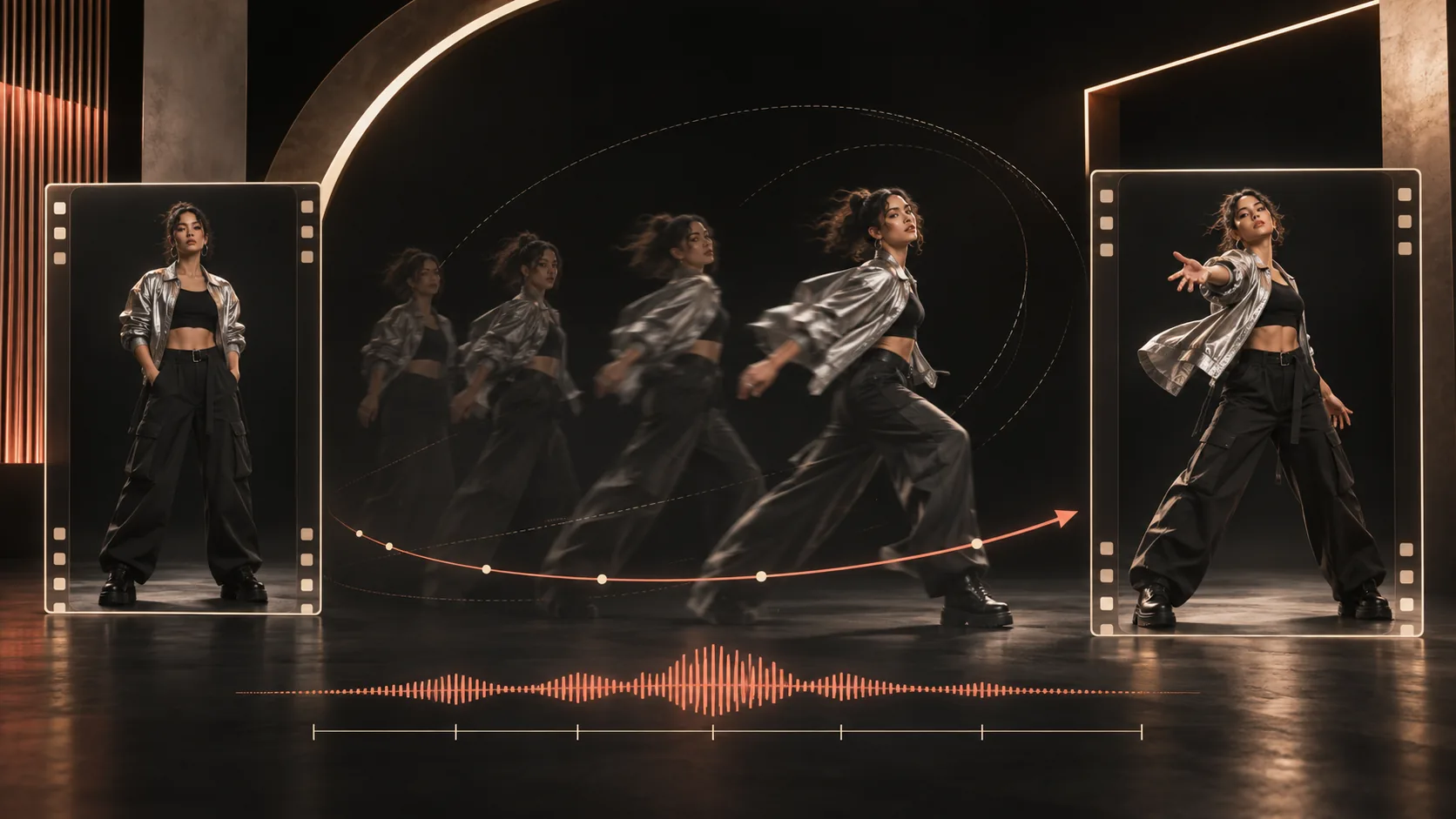
Pin first and last frames, then write the physical bridge.
Give each identity, product, style, or motion reference one job.
Subject + description + motion + environment + camera + sound
Copy, then rebuild
Keep the timing and control logic. Replace the subject, setting, motion, camera, and sound for your own shot.
8 seconds · native audio
A ceramic artist in a charcoal apron stands at a sunlit workbench, hands covered in pale clay. First, she steadies a spinning bowl with both palms. Then she lifts one hand and shapes a clean rim while the camera slowly pushes from a medium shot to a close-up of her fingertips. Warm side light, soft dust in the air, cream and terracotta palette. She smiles and says, “That is the shape.” Sound: wheel hum, wet clay, quiet room tone.
Use with the approved first frame
Keep the person, silver jacket, rooftop, skyline, and dusk lighting unchanged. The person turns toward the city, takes two slow steps to the rail, and rests both hands on it. Wind moves the jacket and loose hair. The camera tracks right at the same pace and settles into a wide profile view. Sound: soft wind, distant traffic, fabric movement.
One controlled transformation
The paper sketch begins flat on the desk. Ink lines rise from the page and fold into thin metal beams while the camera makes one slow clockwise orbit. The beams connect into the exact tower shown in the final frame; glass panels appear from bottom to top and catch the same warm sunset light. The camera stops at the final angle. Sound: paper rustle, light metallic clicks, one low final chime.
PixVerse questions
Use this order: subject, subject description, physical motion, environment, camera direction, then sound. Keep the wording literal, compact, chronological, and under the 5,000-character request limit.
Read the full answer →Use the uploaded image as the opening frame and describe only what changes: subject motion, environmental motion, camera movement, sound, and the ending composition. Leave room around the subject for movement.
Read the full answer →Upload the first and last frames, then describe one believable transformation or camera path that connects them. Keep subject identity, screen direction, lighting, and object positions compatible across both images.
Read the full answer →Put spoken lines in quotation marks, name each speaker, and keep the face readable. Finish the prompt with a separate sound description for ambience, effects, and music.
Read the full answer →Use multi-shot for a short sequence with clear chronological cuts. Use reference-to-video when identity, a product, clothing, style, or a source video must guide the result, and give every reference one job.
Read the full answer →Build the next shot
Official sources